Organisation Profile
An Admin User can view their Organisation's profile from anywhere in OutWatch by clicking on their name in the top right corner of the screen.
Users must be an admin to access their Organization Profile.

Details
The organisation details displayed here are view only. If you need to change them, please contact OutWatch Support.
Associated and Managed Organisations
Associated organisations listed here are available for you to assign to screens through the Admin page.
Managed Organizations are the other way around -- they're organizations that can assign you to their screens.
Organisation Logo
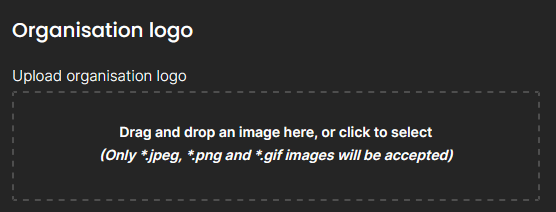
You can upload your organisation's logo into the system and it will appear in the top of the page, to the left of the user name.

Click into the rectangle to select a file from your computer or drag and drop a file into it. Only .jpeg, .png and .gif images will be accepted. Please note that the maximum file size is 1MB.