Live Overview
The Live page requires an active applicable subscription to OutWatch.
OutWatch Live View is a BETA feature.
During the beta period, Diagnostics subscribers will get free access to this feature. This feature will be part of a separate subscription in the future.
This article and the feature detailed within it are subject to change.
Live View
The Live view shows the images that are currently playing on each screen.
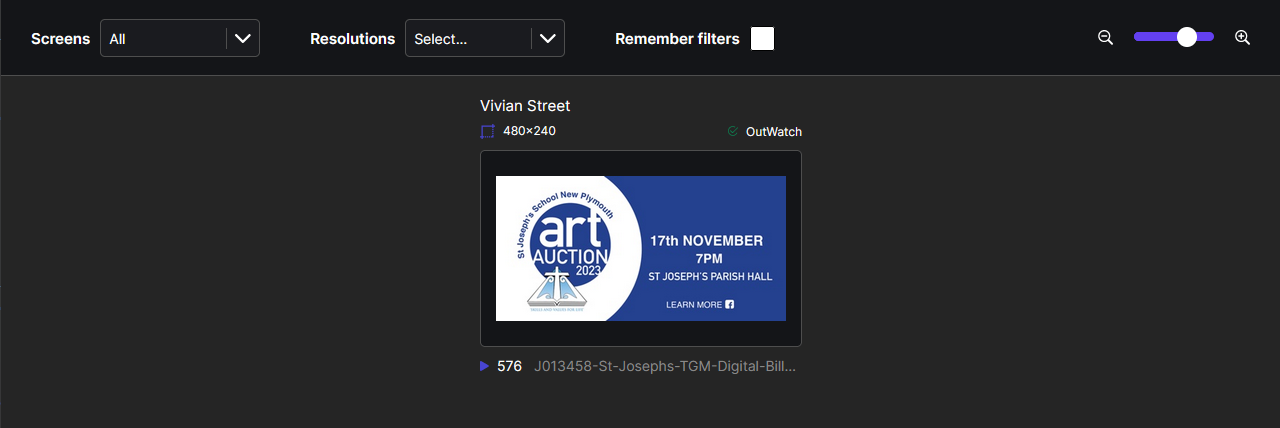
A user can filter the view by specific screen or screen resolution and can save the filters by ticking the Remember Filters checkbox.

A user can zoom in or out by clicking the zoom-in or zoom-out button, or using the slider in the top right of the screen.
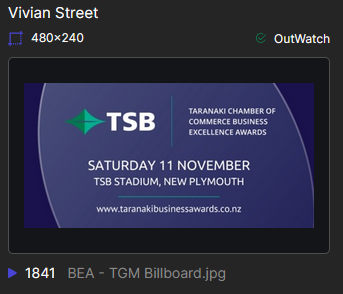
The snapshot of each screen also shows information about the current image on display. Above the view shows the screen name, resolution, and player status. Below the view shows the current ad that is playing and the total number of times it has played.
Options
Hovering over the creative displaying in the Live panel will show extra options.
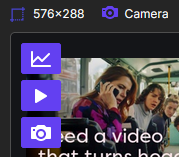
These options are:
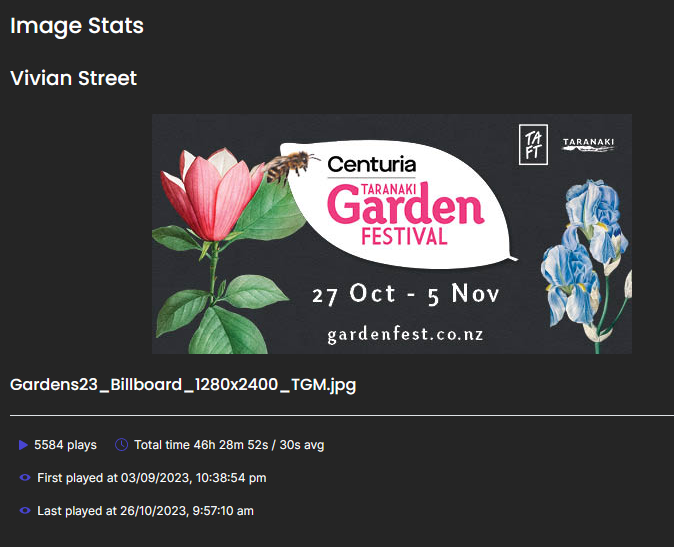
- Image Stats (graph icon): clicking this will open a snapshot of the currently playing image's statistics.
- OutWatch Player (play button icon): If your screen uses the OutWatch player, you can open it here. See the Media Player page to learn more.
- Camera (camera icon): Opens the Camera View. See the Camera View page to learn more.